Tier List Maker — free, no sign-up, build and share a tier list in your browser
Tier list templates — pick a topic and start in one click
Not sure what to rank, or tired of hunting for images? Press one of the templates below and a tier list with the items already filled in is built for you. Every template is text only, so there is nothing to download. Rearrange it, hit “Save Image” to export a PNG, and post it straight to X, LINE or Instagram. Free, no sign-up.
Pressing a template drops the items into the tray (on the left on desktop, above the board on mobile). From there you just drag each item into the S, A, B, C or D row. Want more topic ideas? See 36 tier list topic ideas by genre (in Japanese), and for finished examples, 6 sample tier lists (in Japanese).
What do you use for tier list images? — three ways to build one without any
“I can’t find images for my tier list” is where most people get stuck. The short answer: you don’t need to collect anything. This page gives you three options.
1. Text only (zero assets)
The fastest route. Press one of the topic templates above and you start with the items already written out. A text-only tier list still looks finished, because the coloured rows carry the design.
2. Use the built-in icons (nothing to download)
The “Icon assets” section in the tray adds any of 24 icons in one click. When plain text feels flat, mix icons in as markers for strength, love/hate or genre and the board becomes much easier to read at a glance. They render with your device’s own fonts, so there is no image file to download.
3. Use your own images
Photos you took and art you drew can be used directly via “Upload Image”. Uploaded images are processed entirely inside your browser — the image files themselves are never sent to a server (cloud save and voting send only layout data such as order, text and image links). Images made by other people (official anime or game art, for example) cannot be redistributed without permission from the rights holder, so be careful when the result is going public.
Blank template downloads (free, SVG)
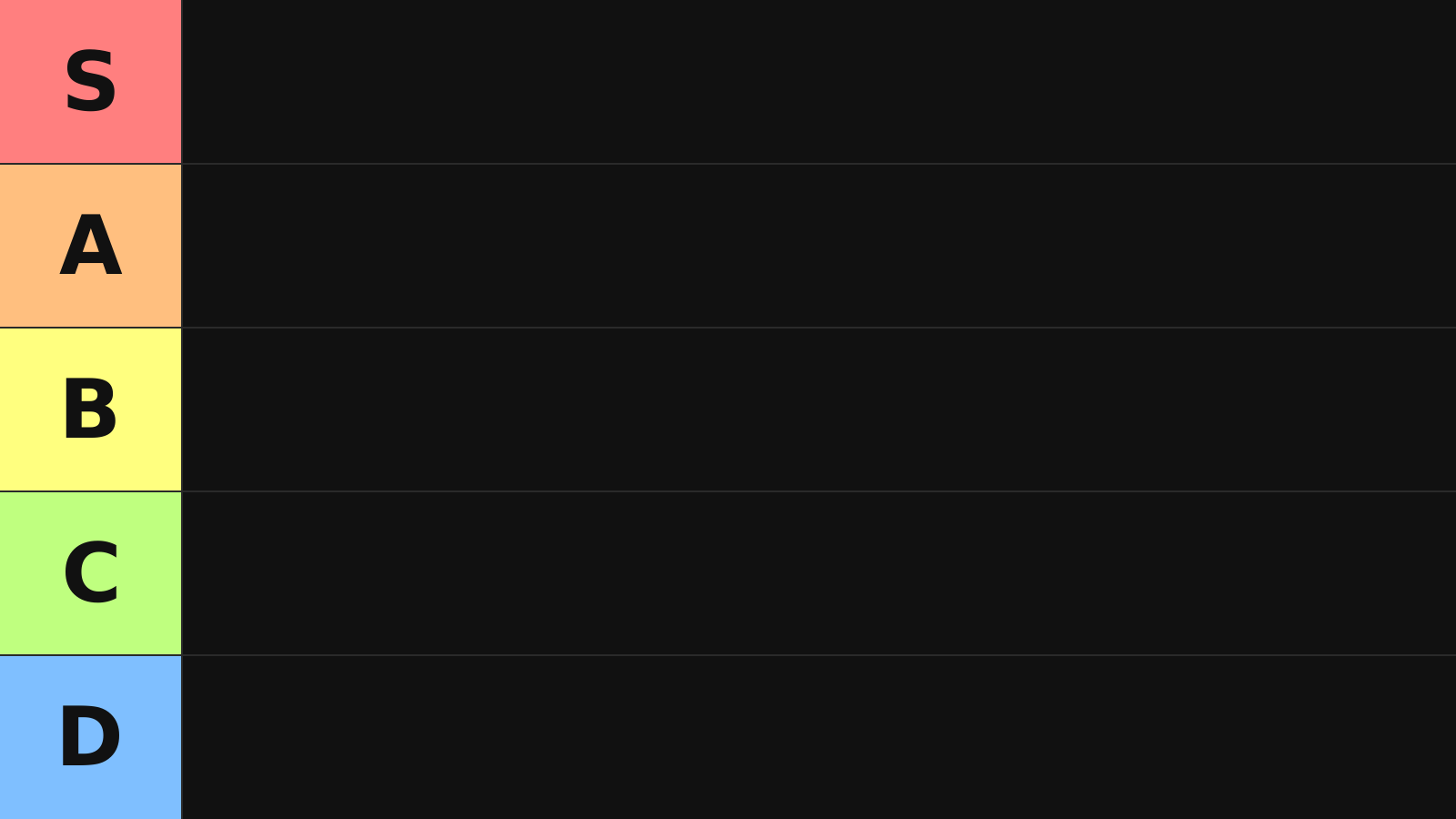
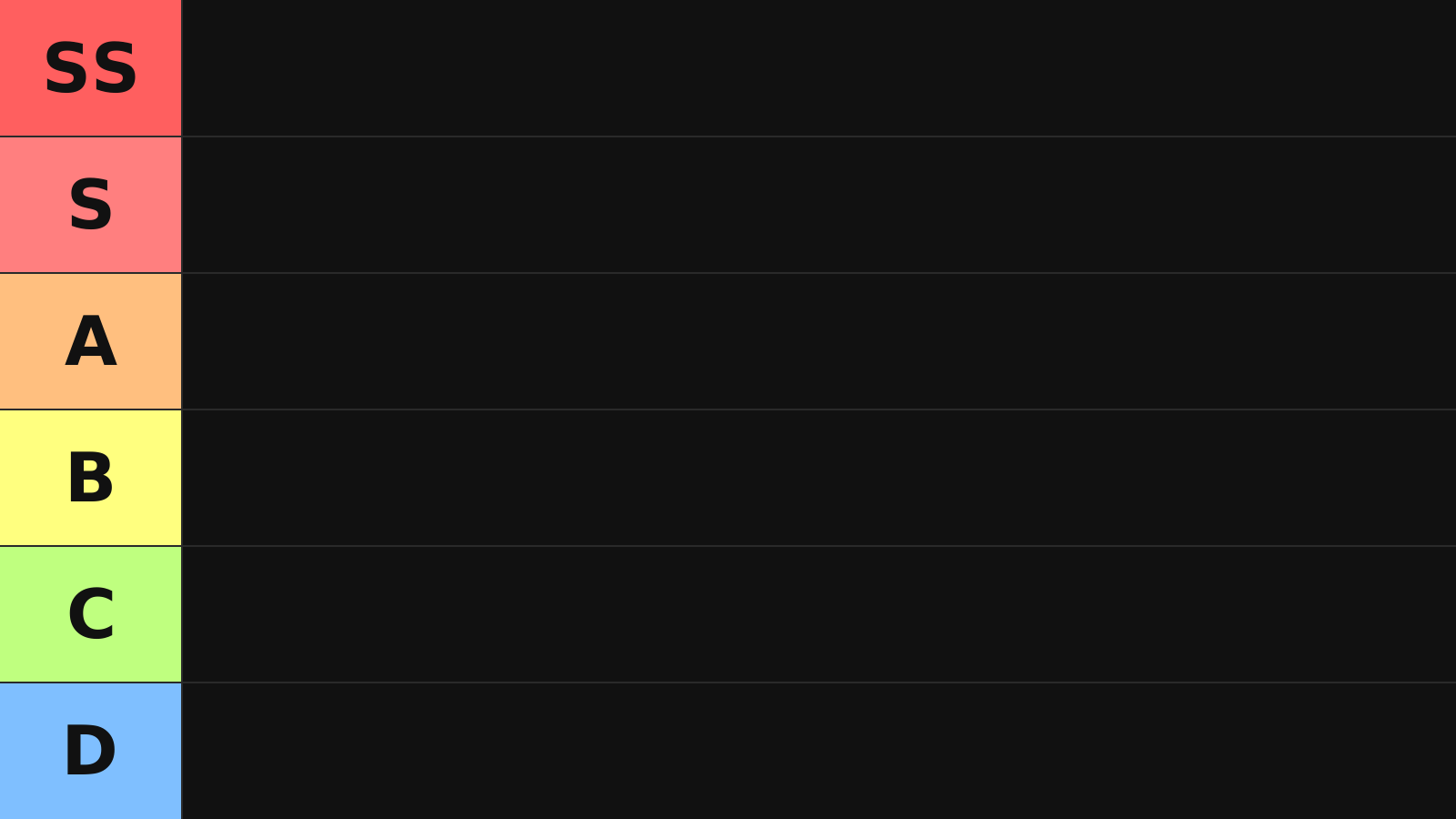
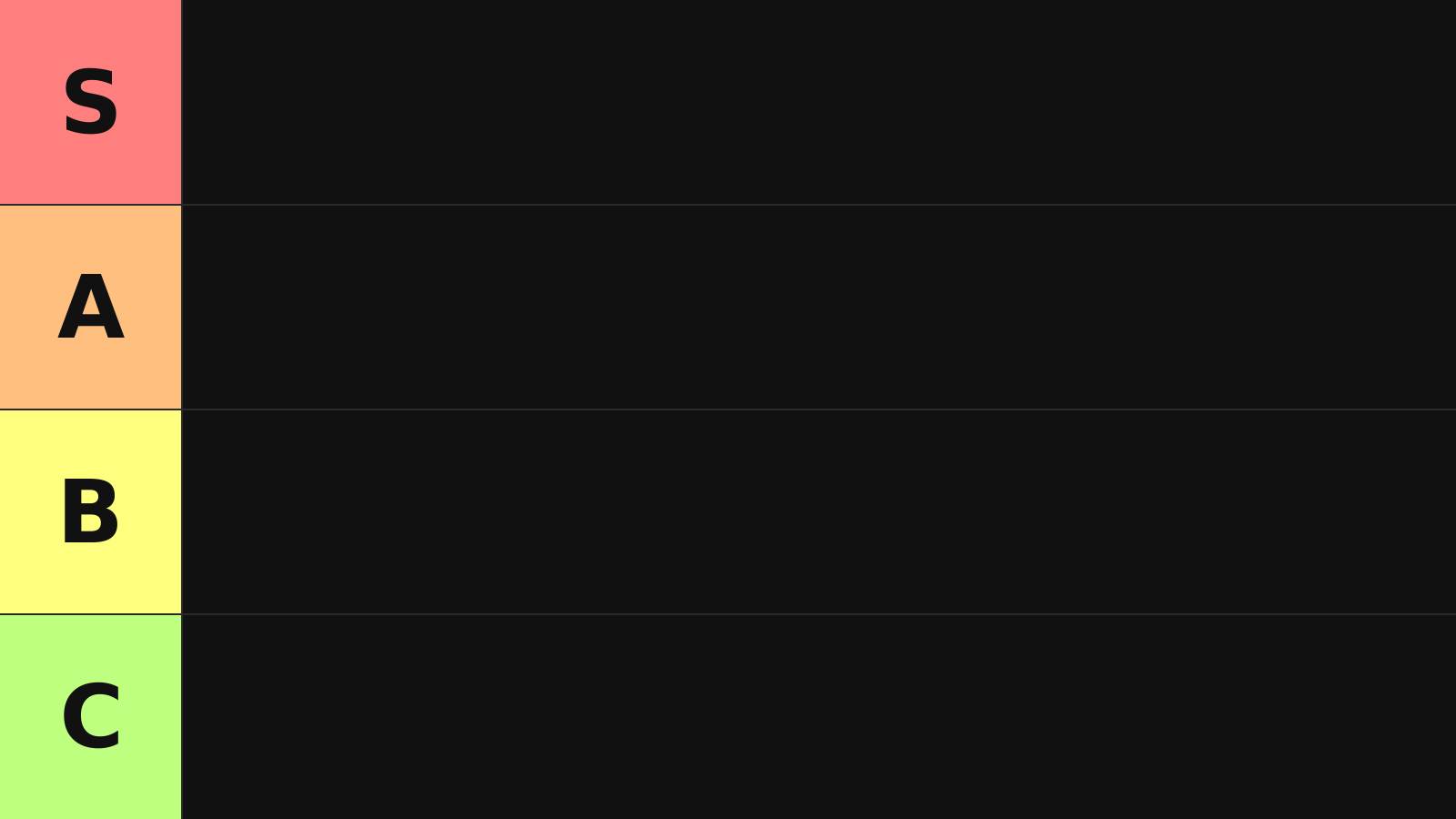
Empty tier boards with just the rows drawn. Handy when you would rather build the list in your own image editor or slide deck. They are SVG, so the text stays sharp at any size. Free to edit and use commercially (please don’t redistribute the files themselves).
Everyone’s tier lists — where did other people put it?
A tier list gets interesting the moment your ranking and someone else’s disagree. Load one of the topic templates above, place the items, then vote with the button below. Voting immediately shows you how other people distributed the same items across the rows.
Only “which item went into which row” is sent. Images, text you typed, your name and account details are never transmitted. The totals are vote statistics, not an official ranking.
Load a topic template above and the vote button and community results will appear here.
How to use the tier list maker (4 steps)
Photos, text — anything can be lined up and ranked. Music albums are the easiest of all: just search an artist or album name and the official cover art drops straight in.
New to this? Start with How to make a tier list in 5 minutes (in Japanese). Want to see finished boards first? 6 tier lists built with this tool (in Japanese) — copy any of them as a template.
What is a tier list? Meaning, spelling and how to build one
A tier list ranks things — anime, music, games, food — by sorting them into levels labelled “S, A, B, C…”, so that preference or strength is visible at a glance. The format started in fighting-game communities as a way to argue about character strength; today it is used for anything from favourite characters to favourite snacks. This site’s tier list maker is free, needs no account, and works entirely by dragging. Because it groups items into levels instead of forcing a strict 1st, 2nd, 3rd order, it also works as a general ranking maker.
How to make a tier list (3 steps)
- Pick a theme — narrow it to one subject, like “favourite anime this season”.
- Place the items — drag images or text into the S–D rows. You can reorder them freely.
- Save and share — “Save Image” exports a PNG you can post straight to X, LINE or Instagram.
For a step-by-step walkthrough, see the complete guide (in Japanese); for finished boards, 6 sample tier lists, all made with text only (in Japanese); and if you can’t think of a theme, 36 topic ideas by genre (in Japanese). If this is your first one, the quickest start is a topic template.
Is it “tier list”, “tier chart” or “teir list”?
They all mean the same thing. The word comes from tier (a level or layer), and you will see “tier list”, “tier chart”, “tier ranking”, plus the common misspellings “teir list” and “tear list”. The spelling varies; the thing being described does not. Whichever version brought you here, this is the editor.
You can build a tier list with text only — no images required
Tier lists are usually pictured as grids of images, but you can finish one without a single image file. Type item names into “Add Text” in the left panel, drag them into the rows, and save the result as an image. For themes where the names alone tell the story — “favourite anime”, “convenience-store desserts” — text-only boards are often easier to read. Every one of our 6 sample boards (in Japanese) was made this way. If you do want images, the four ways to bring them in (upload, drag & drop, Ctrl+V paste, album search) are covered in the FAQ below.
Tier list vs. tier maker vs. ranking chart — what’s the difference?
There isn’t one; they are different names for the same thing. Tier list describes the result, tier maker or tier list maker describes the tool that builds it, and rank chart is a looser synonym. All of them mean “sort things into S, A, B… levels so the ranking is visible”, and all of them are covered by this single editor. The step-by-step version lives in the complete guide (in Japanese).
Using it as a ranking maker — tier list vs. ranked list
If you arrived looking for a “ranking maker”, a site to build a ranking, or a rating tool, this works for that too. A tier list is a kind of ranking: instead of a strict 1st, 2nd, 3rd order, it groups items into levels — S, A, B, C, D. Everything runs in the browser, so there is no app to install, and it behaves the same on phone and desktop.
| Format | Best for | Where it trips people up |
|---|---|---|
| Tier list (grouped levels) | Lots of items, or items too close to separate. Ties can simply share a row | Without a stated criterion, you get “why is this an S?” arguments |
| Ranked list (1st, 2nd, 3rd…) | Top 5 or top 10 lists, where only the leaders matter | Past ~20 items, ordering them one by one stalls |
How to build a strict ranking
If you want real positions, rewrite the row labels from “S, A, B…” to “1st, 2nd, 3rd” (click a row label to edit it). Put one item per row and you have a ranked list. If instead you want the top three to tie, just put all three in the same row. Add more rows with “Add Tier Row” — the new labels are editable in the same way.
If you were searching for “tier ranking maker” or “make a tier list”
Different words, same result. Whether you were looking for a tier ranking maker, a tier list creator or a rank chart tool, this one screen covers it. The result exports as a PNG or JPG, so you can share it without ever registering. For the walkthrough, see How to make a tier list in 5 minutes (in Japanese).
3 tips for a tier list people actually want to look at
Categories that take off, and how tier lists spread
The format began in competitive gaming, as a way to rate the strength of characters, weapons and strategies.
Since 2020 it has spread to anime, music, fandom, food, cosmetics, travel, YouTubers and streamers — essentially everything. The categories that take off on social media are the ones where you can state a subjective opinion without apology: the more the results split, the more the discussion runs.
Categories that spread widely in 2024–2025
- This season’s anime
- Albums of the year
- Members of a group you follow
- Convenience-store desserts
- Places you were glad you travelled to
Themes you can build from your own experience pull in both agreement and pushback, which is what drives replies, quote posts and comments.
Tier list makers by genre (with themes and examples)
Each genre has its own page with the themes, row structures and examples people actually use. The editor is the same one, so you can read and start building straight from there.
- Anime tier lists (in Japanese) — best-of-the-year and season-by-season rankings
- Game tier lists (in Japanese) — character strength, meta tiers and S+/SS/Tier 1 notation
- Character tier lists (in Japanese) — favourite characters, VTubers and voice actors
- Music tier lists (in Japanese) — album search drops the cover art straight in
Common mistakes people make with tier lists
❌ Mistake 1: cramming in too many items
A tier list with 100+ items is exhausting to build and unreadable for everyone else, so it never spreads. Keep it to 5–8 items per row and 30–50 in total and the whole thing reads at a glance in a timeline.
❌ Mistake 2: an unstable criterion
Is it “strongest”, “my favourite” or “what I’d recommend to a beginner”? Leaving the axis unstated invites the pointless “why is this an S?” argument. Simply stating the criterion in the title (“ranked by what I’d recommend to a beginner”) changes the quality of every reply you get.
❌ Mistake 3: passing opinion off as fact
Writing “objectively this is S” while ranking purely on personal taste is what triggers backlash. Saying up front that it’s your opinion makes readers far more receptive, and the discussion far more useful.
Saving, sharing and posting to social media
The usual route is to export your tier list as an image and post it.
Best image ratio per platform
- X (Twitter): landscape (16:9 to 4:3) displays best in the timeline and gets more clicks
- Instagram: square (1:1)
- Stories: portrait (9:16)
Writing the post itself
Rather than posting the image alone, add the title, your criterion, and one or two lines on why your top row is your top row — it produces far more conversation.
Adding a simple question — “show me yours”, “what’s your SS?” — reliably increases quote posts and comments. A tier list is a game about stating your own taste, so stating it confidently is the single biggest driver of reach.